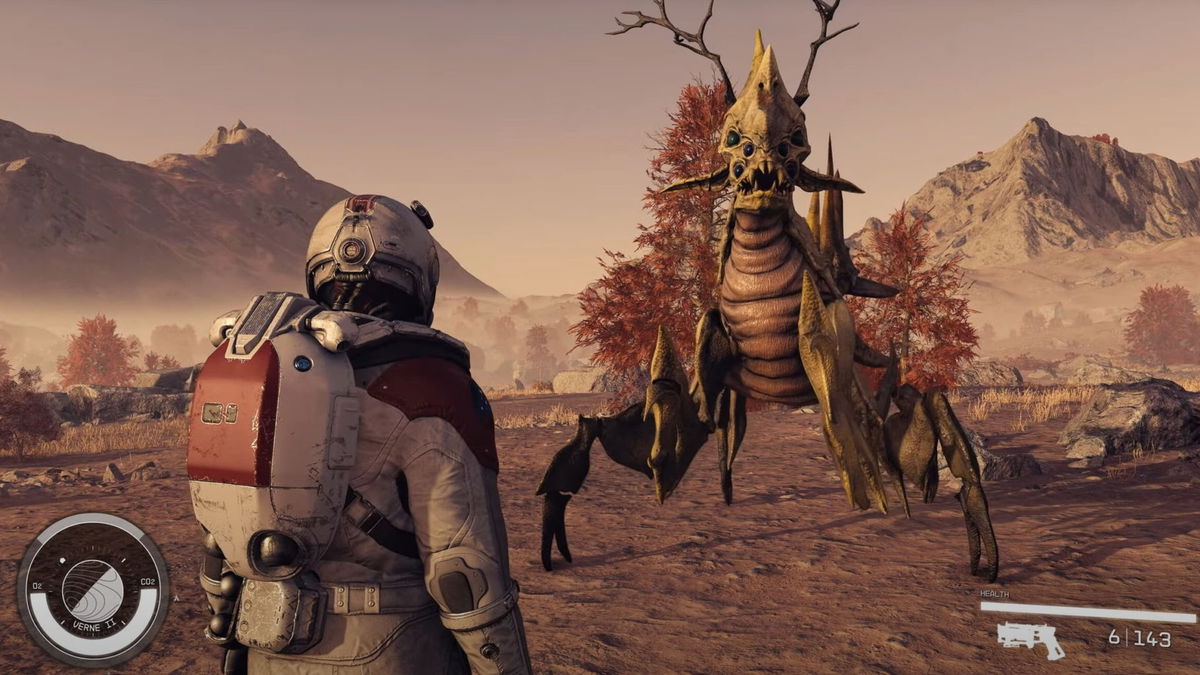
Starfield is an upcoming action role-playing video game developed by Bethesda Game Studios. The game is generating quite a buzz in the gaming community with its release date on 6th September 2023. Bethesda will be releasing this game exclusively on the Xbox Series S, X, and PC as the studio was acquired by Microsoft back in 2021.
An early access version of the game has been available since 1st September, giving players a sneak peek into what to expect. The modding community does not wait for anyone and has already begun creating mods for the unreleased game.
Watch What’s Trending Now!
Starfield Tile Boundary Removal mod
Starfield is a space theme RPG in which players can land on over a thousand planets and explore while completing quests. This game is by far the most ambitious game by Bethesda Studios. Although the devs have already worked on quite a few open-world RPGs and Starfield comes with its own complications.
While exploring planets in the game, players have to decide on a given landing location, and the planet is procedurally generated. Players can then explore around the planet or moon on foot. Upon exploring more, players will inevitably reach an invisible wall that restricts them from moving any further.
A modders wants to make a "Remove planetary-tile boundary" mod for Starfield.
This will allow seamless traversal accross entire planets on foot for those who want to do it pic.twitter.com/W5pBpcPDu2
— PeterOvo (@PeterOvo5) September 2, 2023
What sets this game apart is that it comes with support for mods. This is great for community involvement in the game. One such mod helps players explore across entire planets, which is usually impossible due to an invisible wall. The mod is titled “Remove Planetary Tile Boundary” which removes the boundaries of planetary tiles. This makes it possible for players to explore entire planets and moons.


This mod uploaded on Nexus mods disables the boundaries between planetary tiles, allowing players to explore the game more freely.
How to install the Remove Planetary Tile Boundary mod for Starfield?
In order to install the mod that removes planetary tile boundaries, players need to first download the mod from their preferred platform. Then, navigate to their computer’s “Documents” folder, open “My Games,” and then “Starfield” optionally create a backup of your existing Starfield folder.
Inside the downloaded mod folder, locate the “StarfieldCustom.ini” file, and drag it into the “Starfield” folder within “Documents\My Games.” Confirm the file replacement if prompted. Verify that the “StarfieldCustom.ini” file in your game folder reflects the mod’s changes and launches the game as usual.
Although the mod works quite well, it is not yet perfect. The modder has mentioned that there are chances of the game crashing. Players are advised to save their progress regularly.
With support for mods directly from the devs of Starfield, there are infinite possibilities for what we might see coming in the future. In a world full of modded games and vanilla lovers, which side are you on?
Watch This Story: Is Starfield’s Trait System Designed To Make the Game More Challenging?