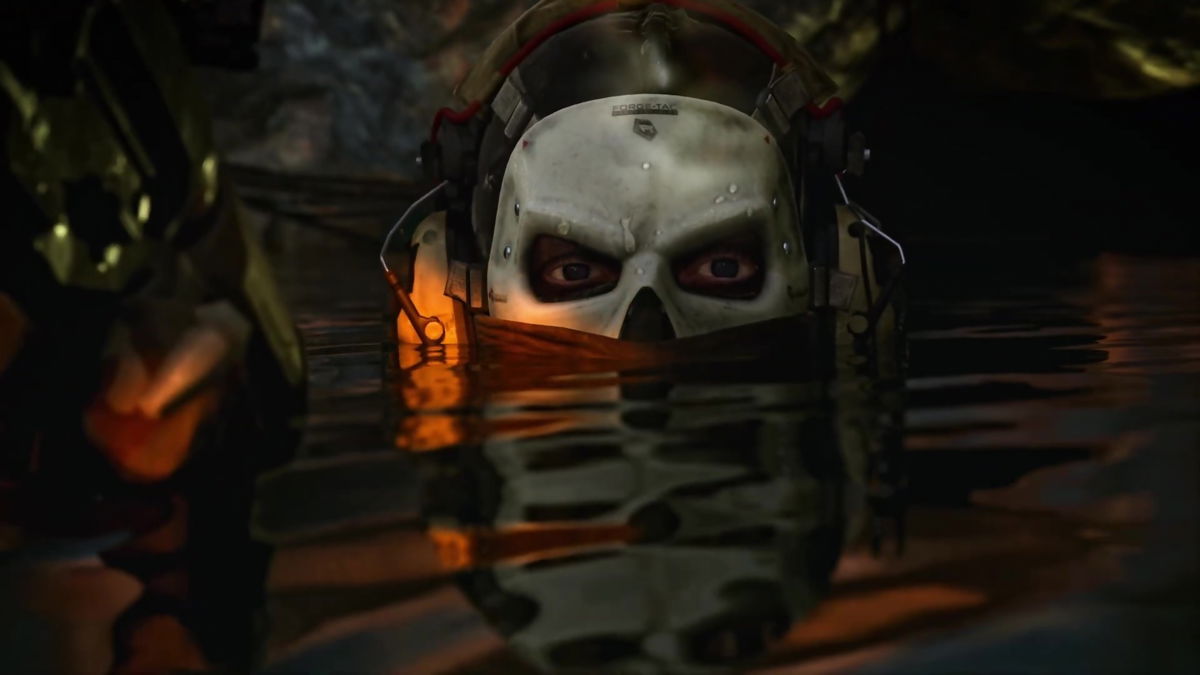
There are times when you just want to enjoy gaming without having to think about joining a group for completing a mission. Or when you just want to stay away from any kind of notification for an invite to hop into an online match. This is something every Call of Duty gamer does, especially when they feel too exhausted by online interactions. It’s not something serious as it happens with everyone once in a while.
Watch What’s Trending Now!
And that’s why there are certain ways the players in the ongoing installment can maintain their privacy whenever they want to. In other words, Modern Warfare II and Warzone 2 offer a useful feature to be offline and enjoy gaming peacefully.
This is how to appear offline in Call of Duty Modern Warfare II & Warzone 2
One thing which is important to note is that the option to go offline is only available on the PC. Yes, that’s a sad reality for MWII players on consoles like Xbox and PlayStation. They don’t have any such option – at least not yet.
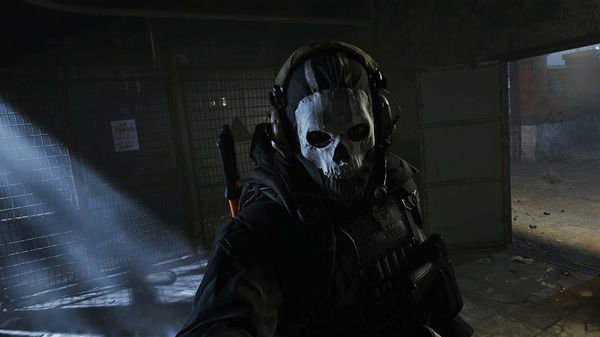


With that being said, the players of Call of Duty Modern Warfare II and Warzone 2 on PC can easily appear offline by using certain steps. It’s not a very difficult process, so they won’t face any major problems whatsoever. Also, the Battle.net launcher has a key role in going dark, so that’s also another thing to keep in mind.
Below are the necessary steps one needs to follow to eventually go offline:
- In the Battle.net launcher, players will need to click on their profile. It can be seen on the top right-hand corner of the screen.
- After the selection, there will be different options to choose from. One of them will be to ‘Appear Offline’. They need to click on it.

And that’s pretty much everything the players have to do in order to enjoy gaming without getting interrupted by anyone.
Activision’s latest offerings in MWII and Warzone 2 are now available across the globe. The current update running for them is Season 3 Reloaded, which was released earlier this month. Players can get them on PS5, PS4, Xbox Series X/S, Xbox One, and PC.
Source: Eurogamer
WATCH THIS STORY: Top 5 Best Selling Call of Duty Games of All Time